
by Youssef Elbeqqal · August 25, 2026
What to Automate First in ClickUp Approvals
TL;DR
Agencies already running client approvals through ClickUp usually assume the approval step is what needs automating. It isn't - the highest-leverage fixes are the notification, the status update, and the handoff to the next stage, all of which can run automatically without touching who gets to say yes.
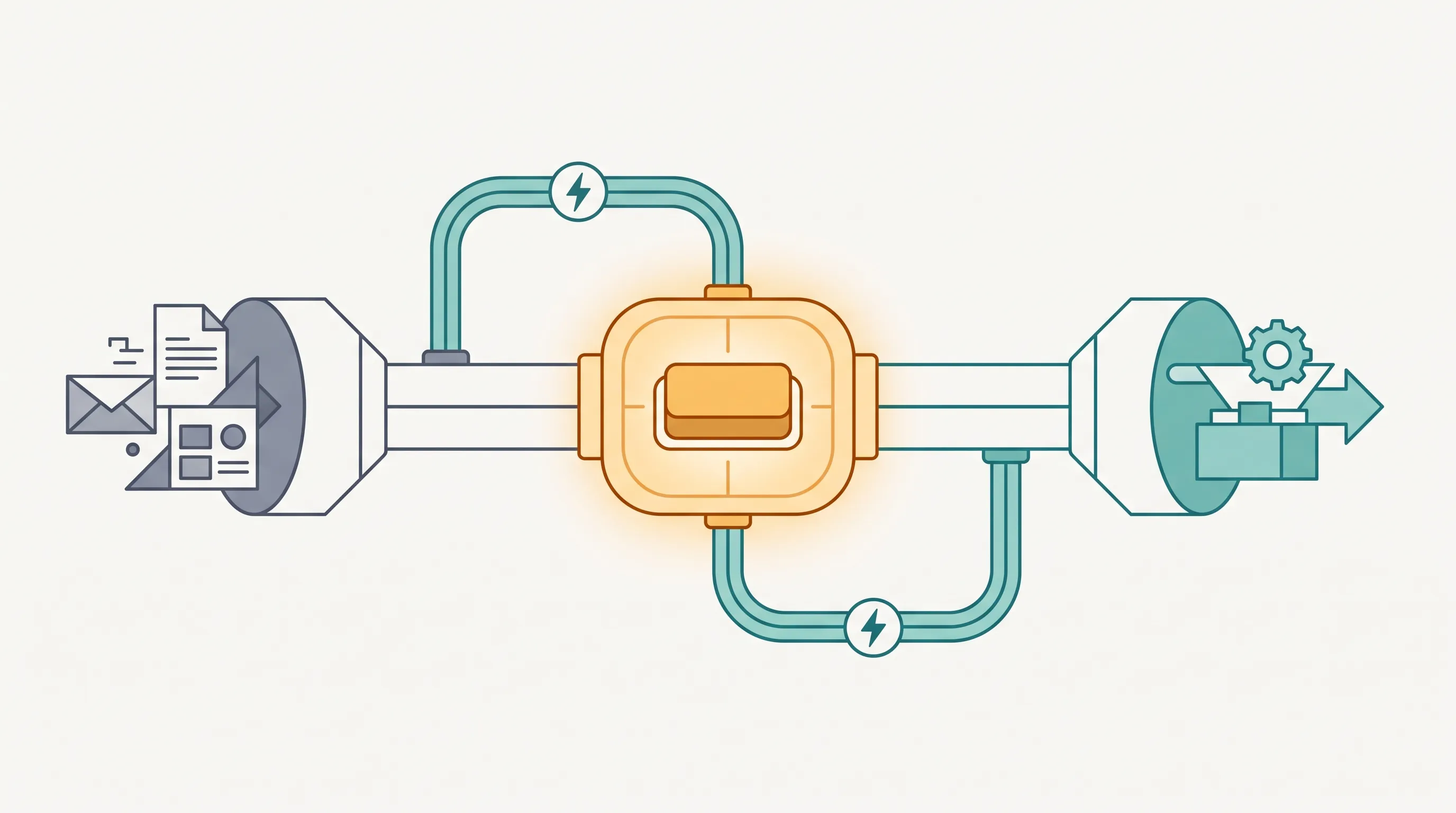
If your agency already tracks client approvals as a stage in ClickUp, the instinct is to look at that stage first when thinking about automation. It's usually the wrong place to start. The approval decision needs a person. Everything touching that decision doesn't.
Start with the notification, not the decision
The most common gap isn't "the client took too long to decide" - it's "nobody told the client it was ready to review until someone remembered to." Automating the notification the moment a task hits the approval stage removes a delay that has nothing to do with the client's actual response time.
Then automate the status update
Once approval happens, someone still has to move the task, update the record, and notify whoever's next in line. None of that requires judgment - it's a status change that should follow automatically from the approval itself, the way changing a light switch turns on a light without a second step.
Leave the approval exactly where it is
This is the core of human-in-the-loop automation: automate the parts that don't need a person, and leave the parts that do untouched. For a ClickUp-based approval flow, that means the "approve" button stays exactly where it is. Everything before and after it is fair game.
Where this shows up at scale
The gap between "approved" and "everyone knows it's approved" is the same one covered in why approval bottlenecks cost agencies billable hours - see how workflow design handles this without touching the approval step itself.