
by Youssef Elbeqqal · August 16, 2026
Why Human-in-the-Loop Beats Full Autonomy
TL;DR
Full automation removes people entirely and removes your ability to catch a mistake before it reaches a client. Human-in-the-loop automation does the repetitive work but pauses for approval on anything that matters, which is what actually makes automation safe to trust.
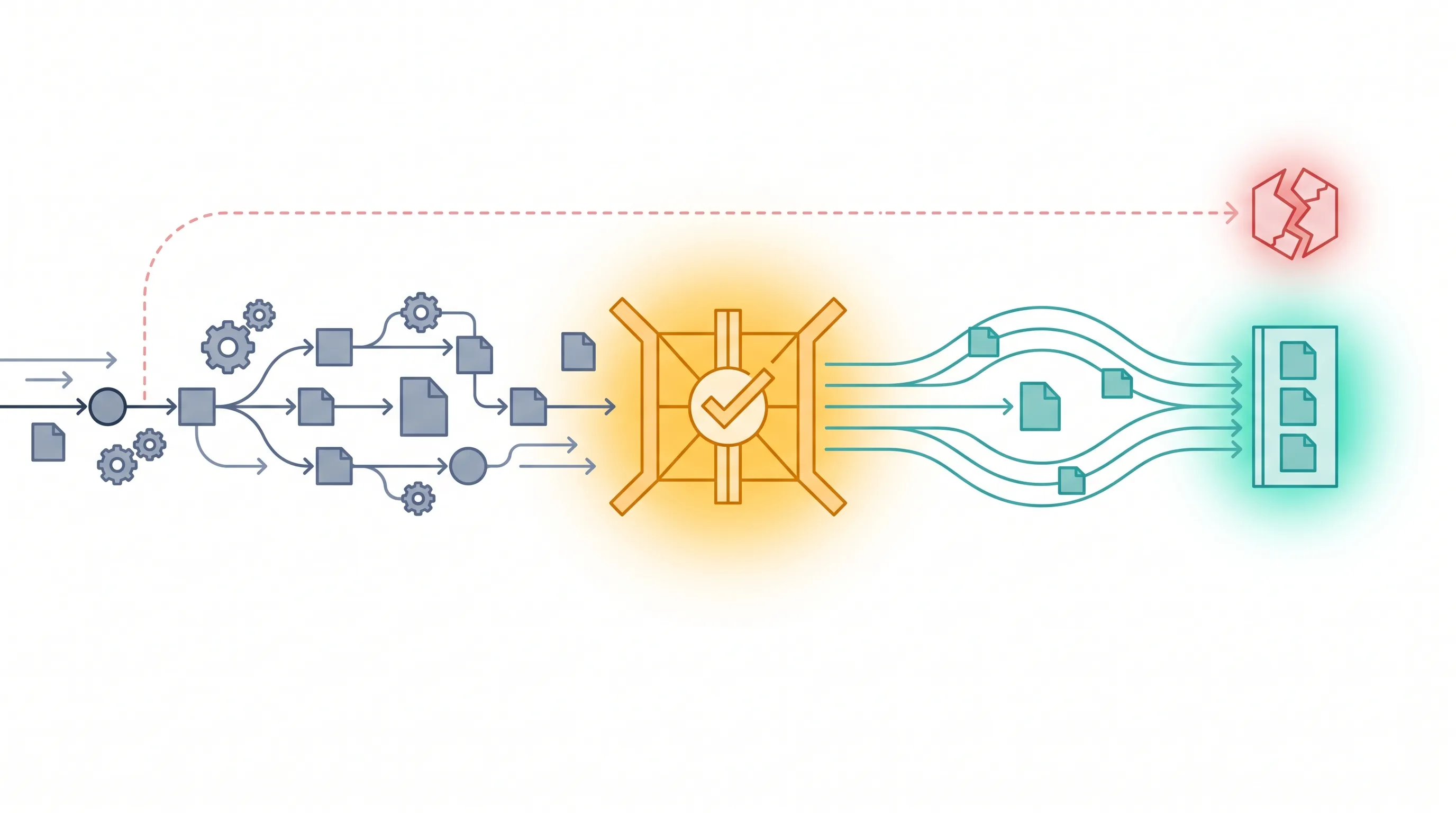
"Fully autonomous" sounds like the end goal of automation - no humans required, everything handled by AI. In practice, for anything that touches a client or a real decision, that's the wrong goal. The right goal is removing the manual work while keeping a human in control of the outcome.
What "human-in-the-loop" actually means
A human-in-the-loop workflow does the repetitive part automatically - pulling data, formatting it, drafting the next step - and then stops. It waits for a person to review and approve before anything goes out. The automation handles the busywork; the human handles the judgment call. Nothing ships unreviewed.
Why full autonomy is riskier than it sounds
An AI workflow with no approval step will eventually make a mistake a human would have caught - a wrong number pulled from the wrong row, a message sent to the wrong contact, an edge case nobody thought to handle. Without a human checkpoint, that mistake reaches a client before anyone notices. With one, it gets caught in seconds, because someone was always going to glance at it before it went out anyway.
The approval step is the trust layer
This is also why human-in-the-loop automation gets adopted faster than fully autonomous tools. Teams don't need to trust the AI completely on day one - they just need to trust that nothing happens without their sign-off. That's a much smaller leap of faith, and it's usually enough to get a workflow live instead of stuck in "we're not ready to trust this yet" limbo.
Where this shows up in practice
This is the same principle behind the "hiring trap" - automation isn't about removing people from the process, it's about removing the parts of the process that don't need a person doing them by hand. See how this plays out across tool integrations and workflow design in practice.