
by Youssef Elbeqqal · September 11, 2026
ClickUp Won't Fix a Bad Process
TL;DR
A long-time ClickUp user running a small team shared six blunt lessons after years of use: most people don't need a full seat, feature bloat should get disabled, onboarding doesn't need a curriculum, over-tasking wastes more time than it saves, and the tool itself never fixes bad management or an inconsistent team. The lessons scale up almost unchanged for a 20-50 person agency.
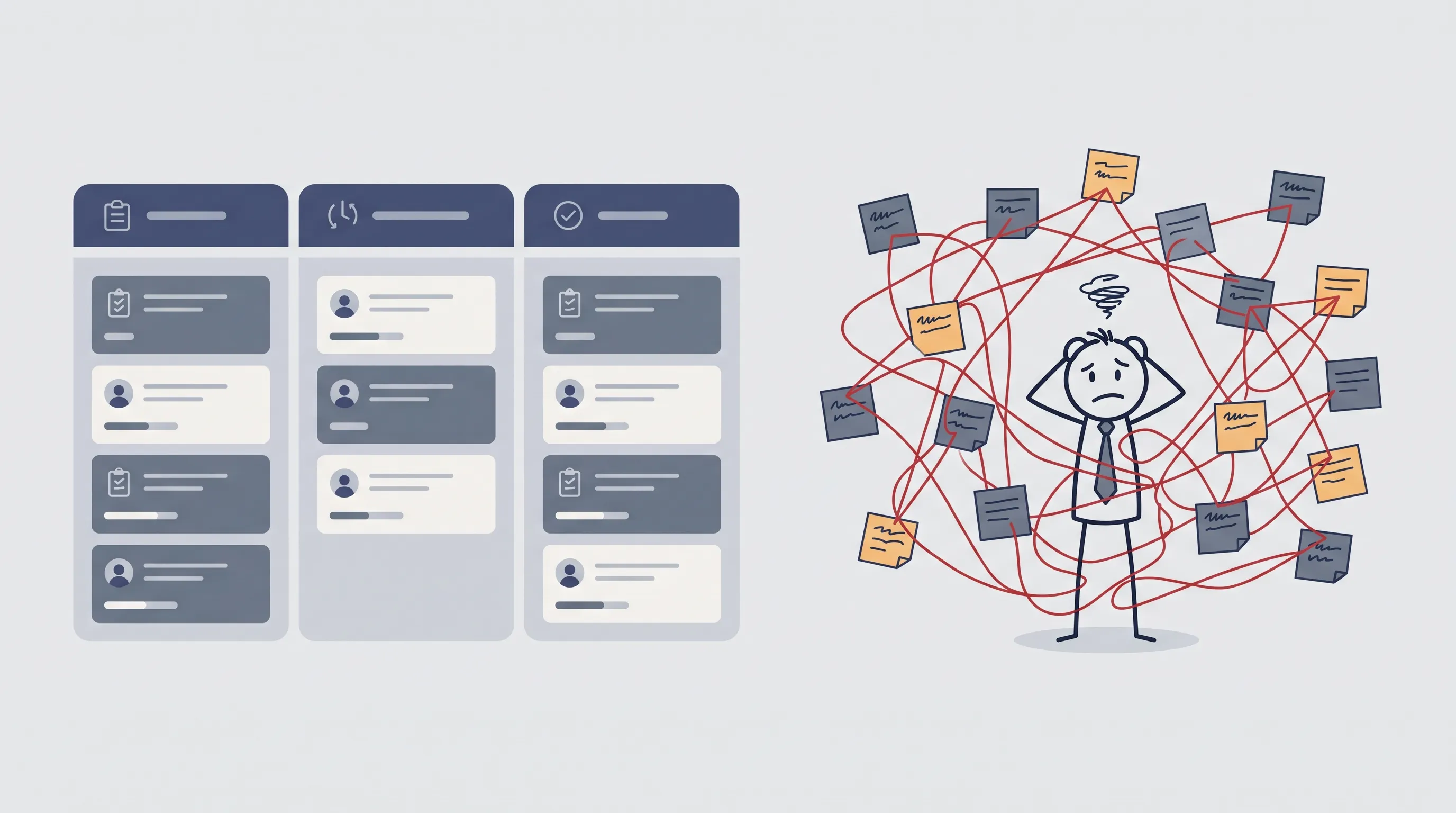
Someone who's run ClickUp for a small team for years posted a blunt summary of what he'd learned, and the sharpest line in it wasn't about a feature. It was a confession: he'd built so many requirements and check-in steps that his team was spending one to two hours a day managing ClickUp instead of doing the work it was supposed to track.
That's not a ClickUp problem. That's a manager problem wearing a ClickUp costume, and it scales up almost unchanged once the team is 20-50 people instead of ten.
Over-tasking eats the hours you're trying to protect
The habit is familiar: one main task, then a subtask for every tiny step underneath it, because it feels thorough. Most of that structure goes unread. If a task says "design this post and get it published," a competent person already knows the steps are open Canva, export, publish, close the task. Spelling out each one doesn't make the work happen faster, it just adds more fields for someone to update and more places for the task to look "incomplete" while the actual work is already done.
The fix isn't zero structure. It's sizing the structure to who's actually reading it. A junior contractor might need the subtasks spelled out once, while a senior editor never did. Building the same template for both is how billable hours quietly turn into ClickUp admin.
Most people in your workspace don't need a full seat
Clients checking a status, a freelancer submitting one deliverable, a stakeholder who just needs to leave a comment on approval, none of that requires a paid member seat. Guest access covers almost all of it. At a ten-person team this is a minor cost saving. At a 20-50 person agency juggling a dozen active clients, it's the difference between a ClickUp bill that scales with headcount and one that scales with who's actually doing the work inside it.
Turn off the features you didn't ask for
ClickUp ships with AI features and toggles most teams never asked for. Leaving them on doesn't make the workspace more capable, it just adds more surface area for a new hire to get lost in during their first week. Disable what isn't in active use. A simpler workspace is easier to teach and easier to trust.
Teach the tool once, not every time someone joins
The old onboarding pattern: a call to walk a new guest through ClickUp, plus a playlist of public tutorial videos to "really learn it." It takes too long, and most people never watch the playlist anyway. A one-to-three-video, ten-minutes-each Loom recording covering exactly what the role needs does the same job in a fraction of the time. For most guests and new members, that's a short list:
- what a task is
- statuses
- activity and comments
- notifications
- descriptions
- custom fields, if the role actually touches them
Almost nobody needs the full feature set explained up front. It's the same instinct behind fixing the spreadsheet chaos in client onboarding: stop building a program around something that takes ten minutes to actually explain.
The tool doesn't fix a bad manager
Here's the part that doesn't get said often enough: ClickUp won't fix bad management. A tool can't fix an overloaded process, only a person can. Expecting ClickUp to magically make a team productive is how someone ends up building excessive requirements and stupid little processes, then wondering why the team is spending more time managing the tracker than doing the work it was meant to track. Automatoro's own take on this is the same reason a client-facing workflow should remove the manual busywork without removing the person making the call: the tool should carry the repetitive part of a good process, not compensate for a broken one.
Consistency is the actual product
The most familiar failure mode has nothing to do with features. It's a loop: the team gets organized in ClickUp, starts working, stops updating it, the tracker drifts out of sync with reality, someone says "we aren't using ClickUp enough," and the cycle restarts from the top. The same drift shows up when ClickUp and Airtable disagree with each other: a tool that isn't kept current isn't a tool anymore, it's a liability with a login screen.
The honest fix isn't a reminder to try harder. It's removing the steps that depend on someone remembering to do them by hand in the first place. See how workflow automation closes that gap instead of asking a team to be more disciplined about a tool they're already paying for.