
by Youssef Elbeqqal · August 31, 2026
ClickUp Automations vs. Custom Adapters
TL;DR
ClickUp's native automations cover single-tool, rule-based triggers well - move a task, notify someone, change a status. They stop being enough the moment a workflow needs to reach outside ClickUp, handle an exception, or route through a judgment call. That's the gap a custom workflow adapter fills.
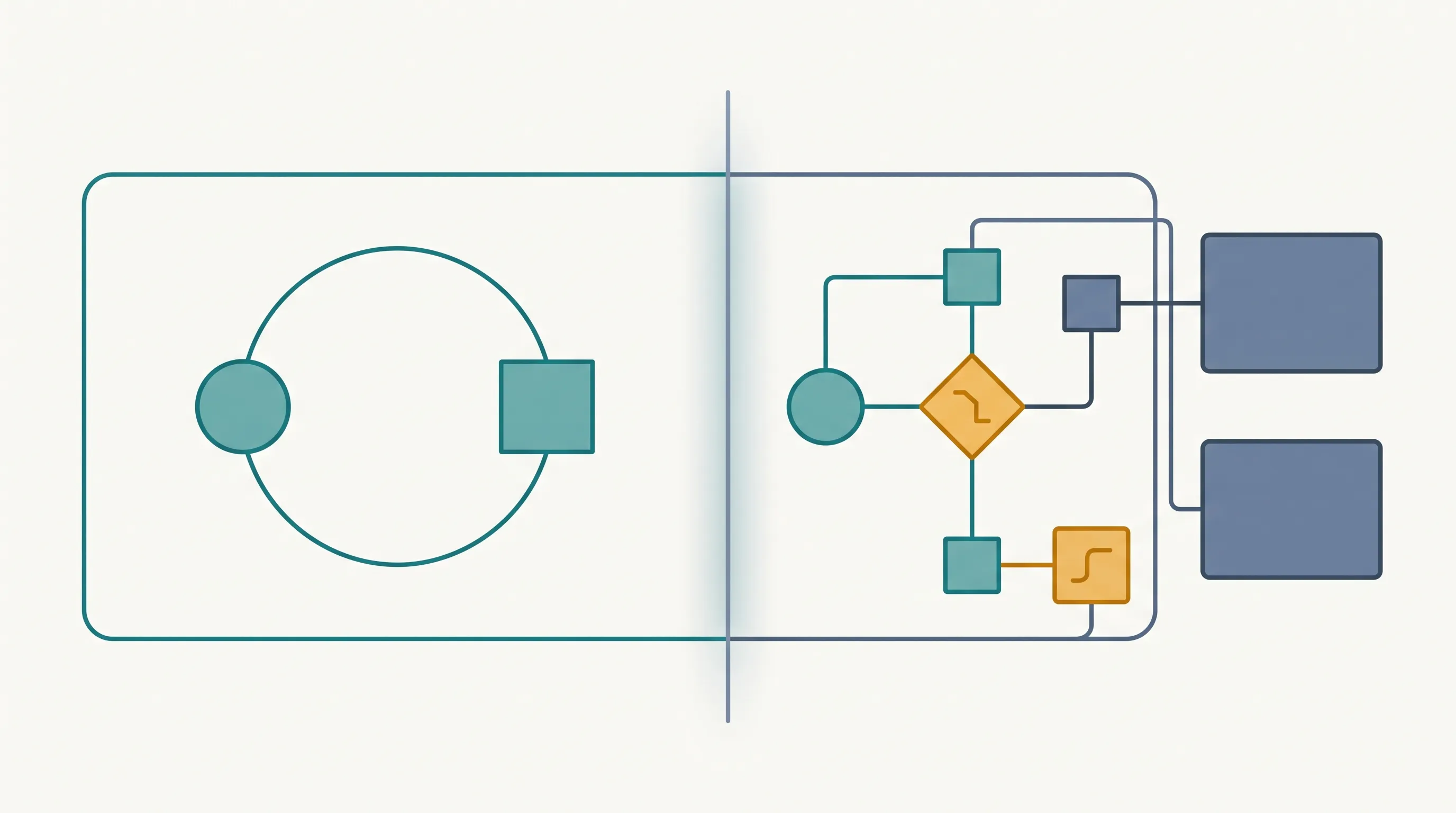
ClickUp's built-in automations are genuinely useful, and most agencies should use them before looking anywhere else. "When a task moves to Done, notify the assignee" or "when a due date passes, change the status" - simple, rule-based, no reason to build anything custom for that.
What native automation is actually good at
Single-tool, single-trigger, single-action rules are exactly what ClickUp's automation panel is built for. They're fast to set up, don't require any code, and cover a real chunk of the repetitive work most teams deal with day to day.
Where it stops being enough
The gap shows up once a workflow needs to reach outside ClickUp - updating Airtable, sending a client a specific document, checking a condition that lives in a different system entirely. Native automations can trigger a webhook, but turning that webhook into "check three conditions across two other tools before deciding what happens next" is past what the built-in panel is designed for.
What a custom adapter actually adds
A workflow adapter picks up exactly where native automation stops: multi-tool logic, conditional routing based on data that doesn't live in ClickUp, and handling the edge cases that a simple trigger-action rule can't express. It's not a replacement for ClickUp's automations - it's what runs the parts they can't reach.
Deciding which one you need
If the workflow stays inside ClickUp and follows one clear rule, native automation is the right tool and probably already available. If it needs to reach into ClickUp and Airtable together or handle a real exception, that's the point to look at custom workflow adapters instead.